Know where every job stands — and what it is costing you.
A project in Jobmand holds the scope, the crew, the hours, the materials and the paperwork. The financial summary is built from approved hours, so it is a number you can act on.
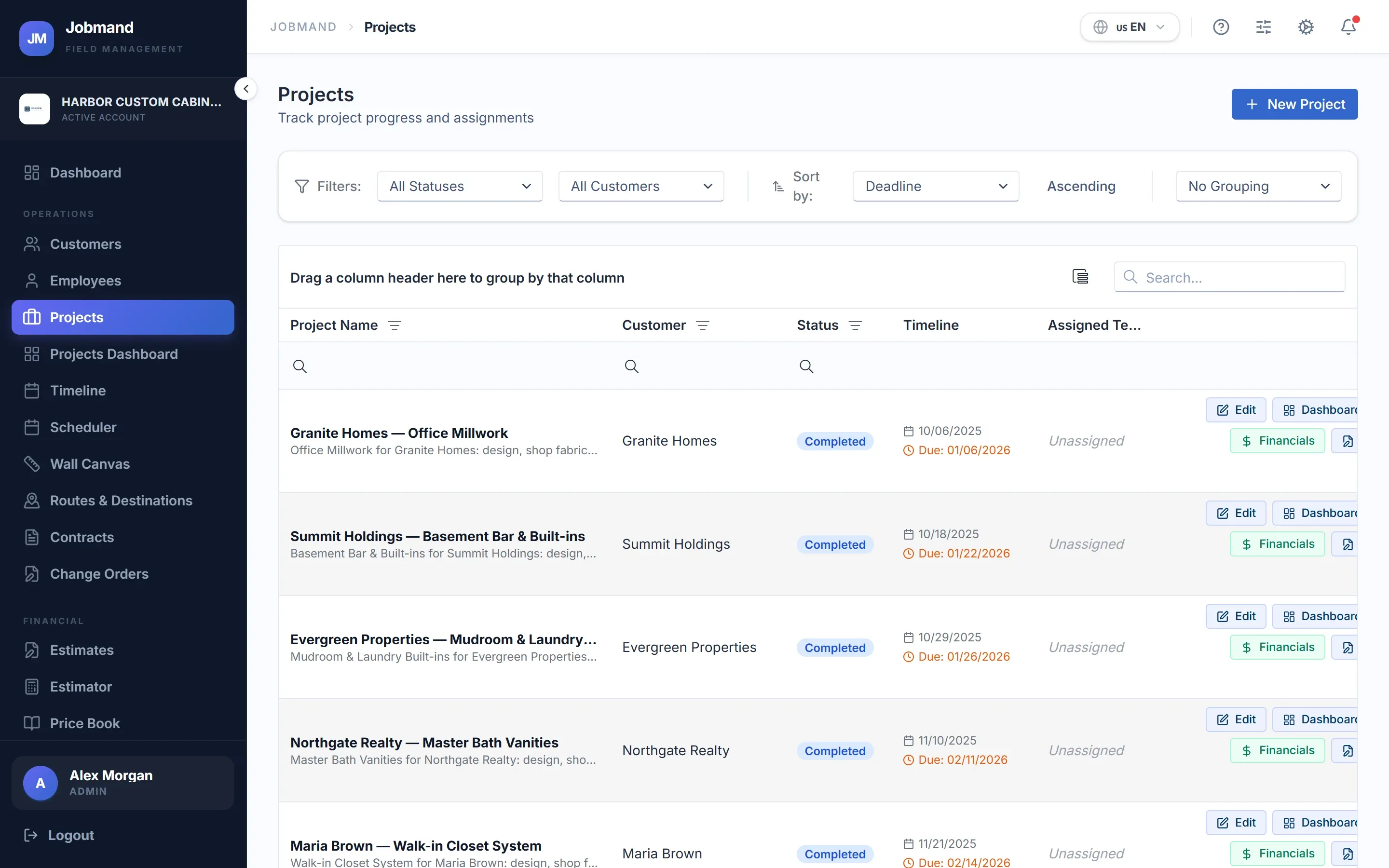
Budget against actual, per job
Set the project as By Hour or Closed Budget. Jobmand adds up approved labor and materials and shows what is left — or how far over you are.
- Approved and pending hours shown separately
- Labor cost per employee on the project
- Progress bar turns amber at 80% and red when over budget
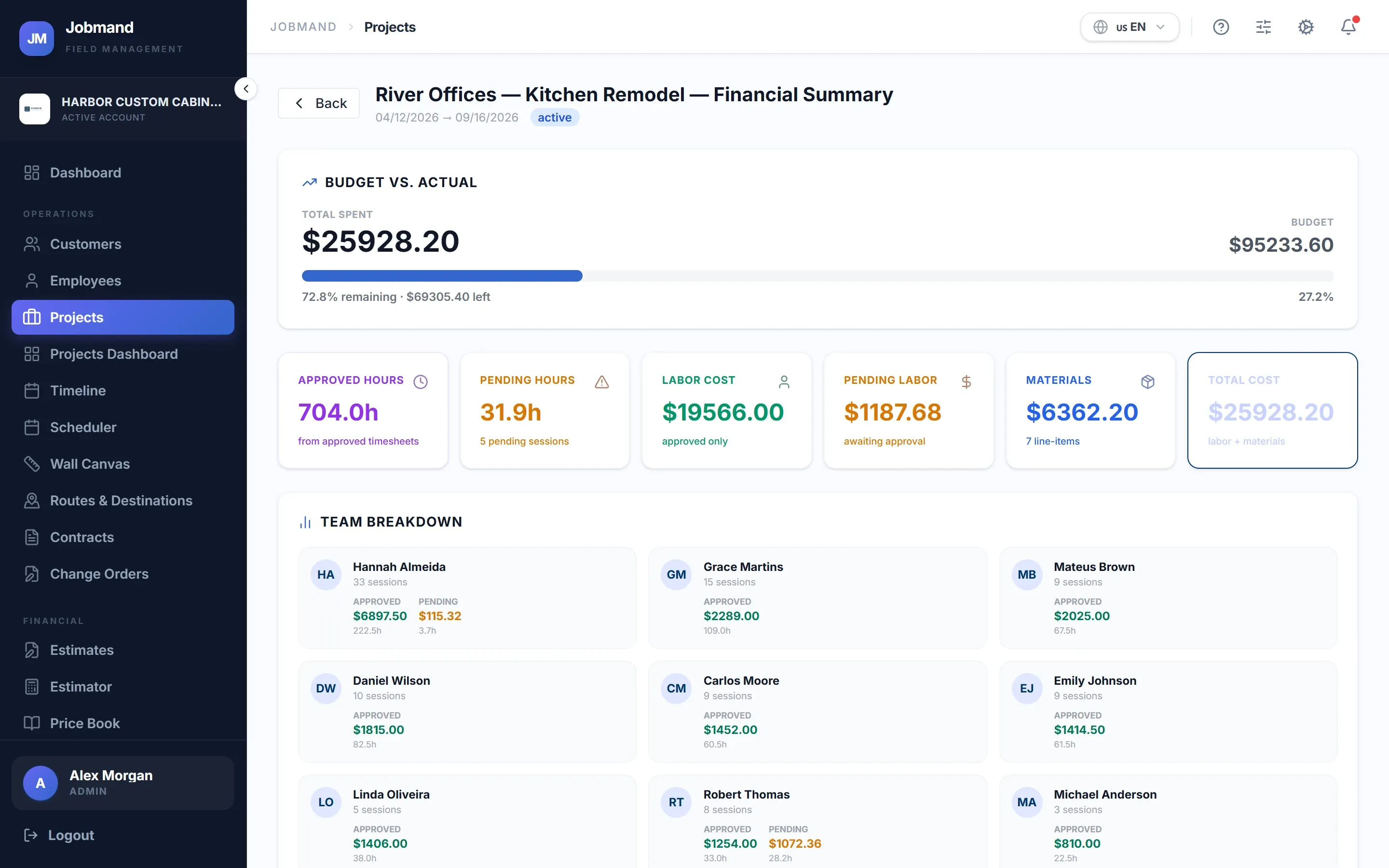
Everything about the job in one place
Tasks on a board, a punch list to close the loose ends, files and photos, specifications, contracts, and the jobsite QR code.
- Drag tasks between pending, in progress and done
- Punch list items with assignee and due date
- One copy of each file, visible at every stage
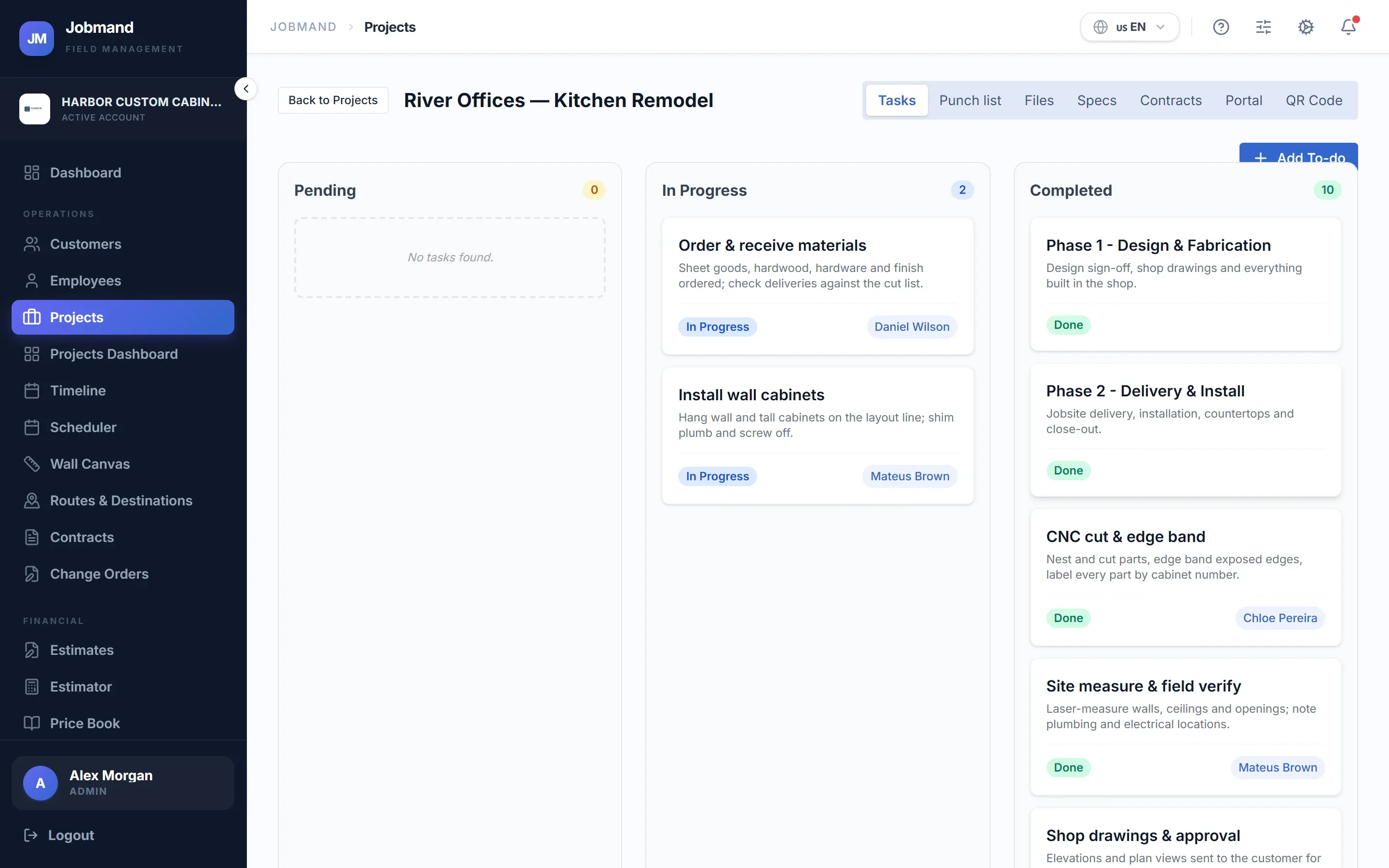
Change orders that change the numbers
When the customer asks for more — or less — raise a change order. On approval the contract value and the deadline update on their own.
- Approval workflow with comments
- Customer approval through the portal
- PDF export for the file
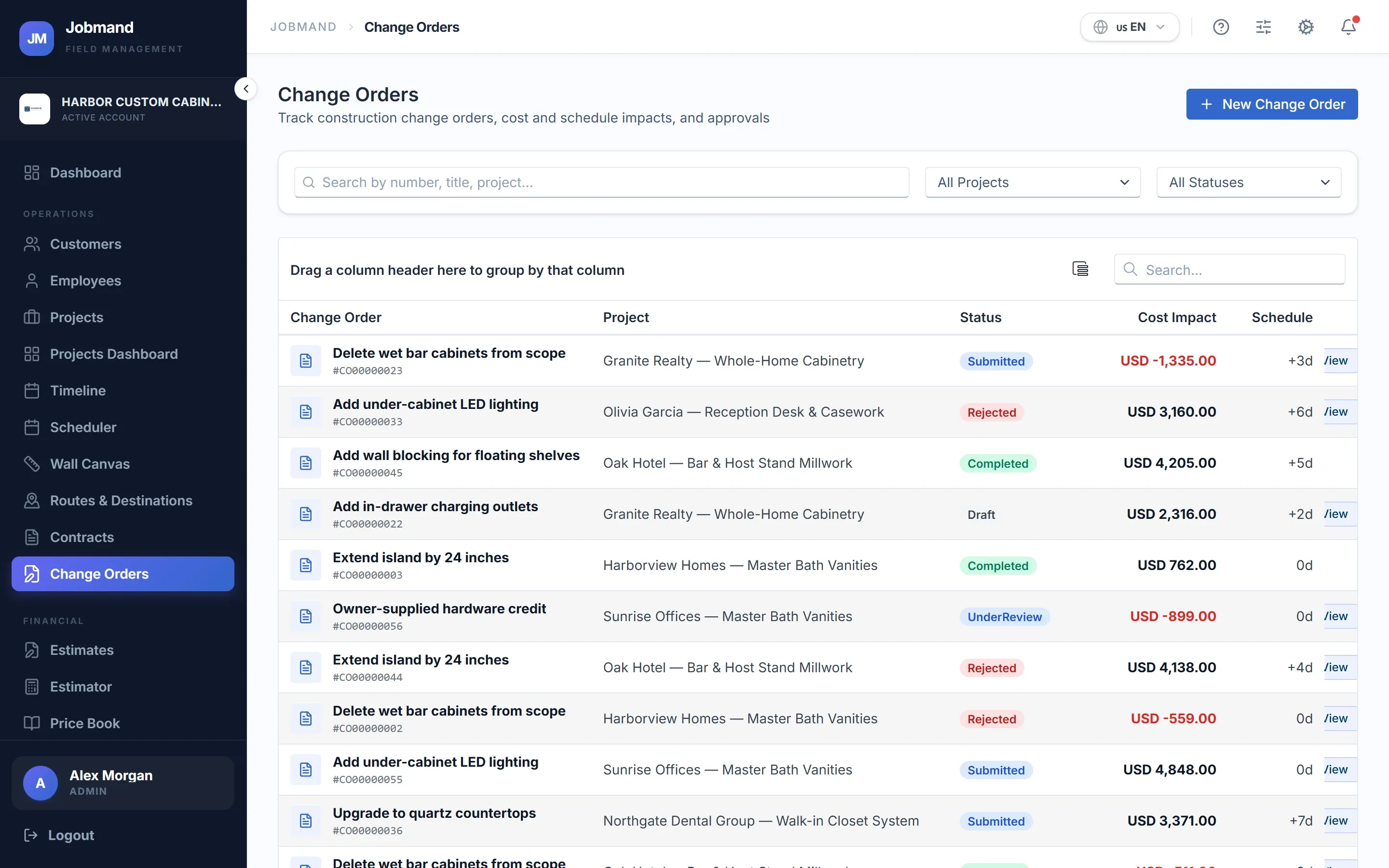
All projects on one screen
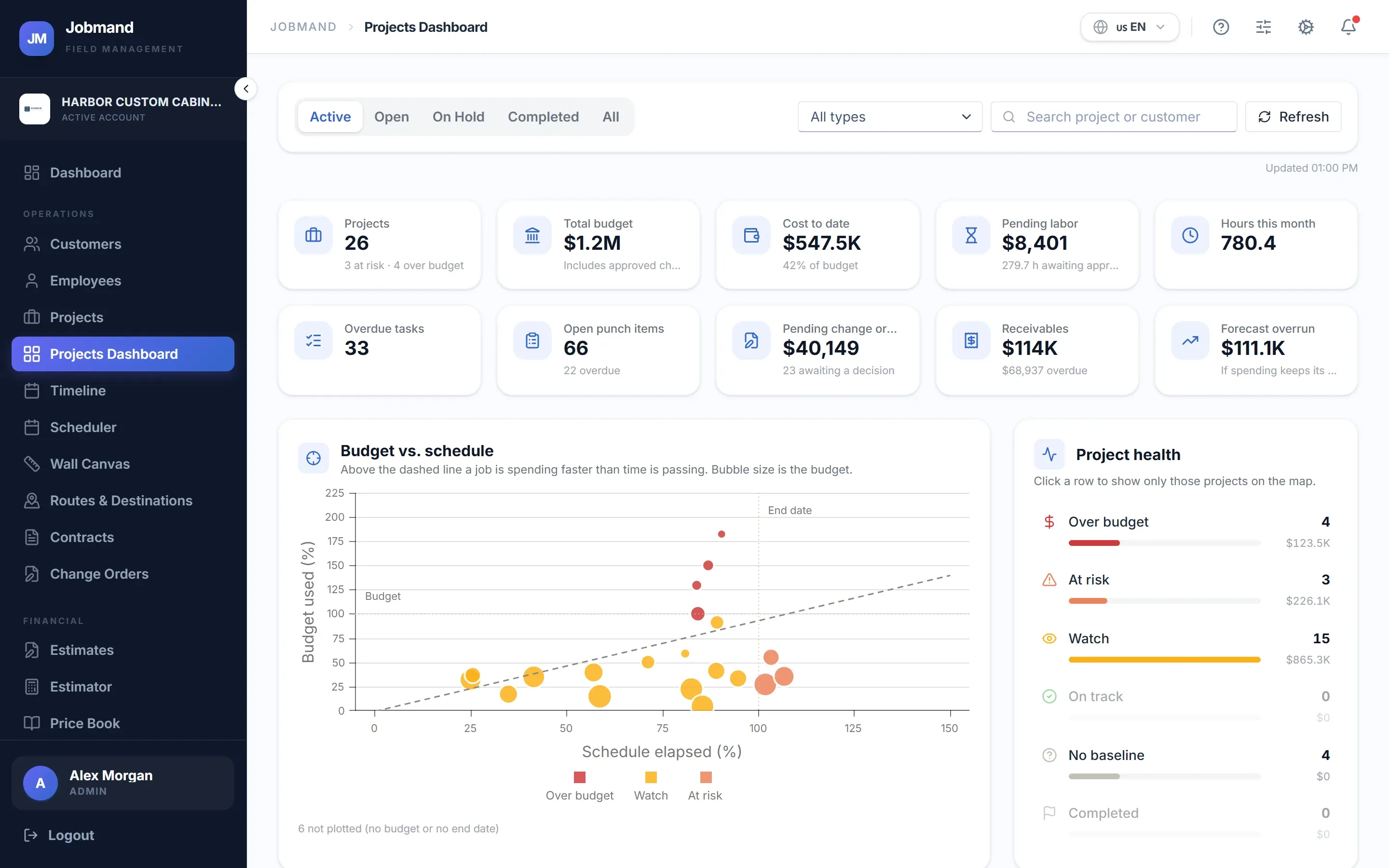
The Projects Dashboard lines up every job with its budget, cost to date and health, so the weekly review takes minutes.
- Color-coded project health
- Forecast overrun and days late
- Timeline (Gantt) view of projects and tasks
Modules in this area, and the plan each starts in
- Customers The record every estimate, project and invoice hangs off. Starter and up
- Projects Tasks, punch list, files, specs and financials per job. Starter and up
- Projects Dashboard Every project on one screen, colored by health. Starter and up
- Change Orders Scope changes with approval; updates contract value and deadline. Plus and up
- Timeline A Gantt view of projects and tasks. Plus and up
- Customer Portal A read-only window for your customer, per project. Pro
See your jobs, crews and cash in one place.
Start a 7-day trial on any plan, or talk to us first and we will walk you through it.